

AI chatbots have become essential tools for businesses looking to scale customer service and streamline operations. Yet, many companies struggle to create chatbot experiences that feel human, intuitive, and genuinely helpful. Poorly designed chatbot UX can frustrate users, reduce engagement, and even harm your brand reputation.
This comprehensive guide covers best practices in chatbot UX design and conversation design, helping you craft engaging, natural interactions. You’ll learn how to build chatbots that understand natural language, gather important customer information, solve problems efficiently, and enhance overall customer experience. Whether you’re designing your first chatbot or refining an existing one, these AI chatbot design principles will help you create interactions that delight users and drive business results.
Understanding Chatbot UX Fundamentals
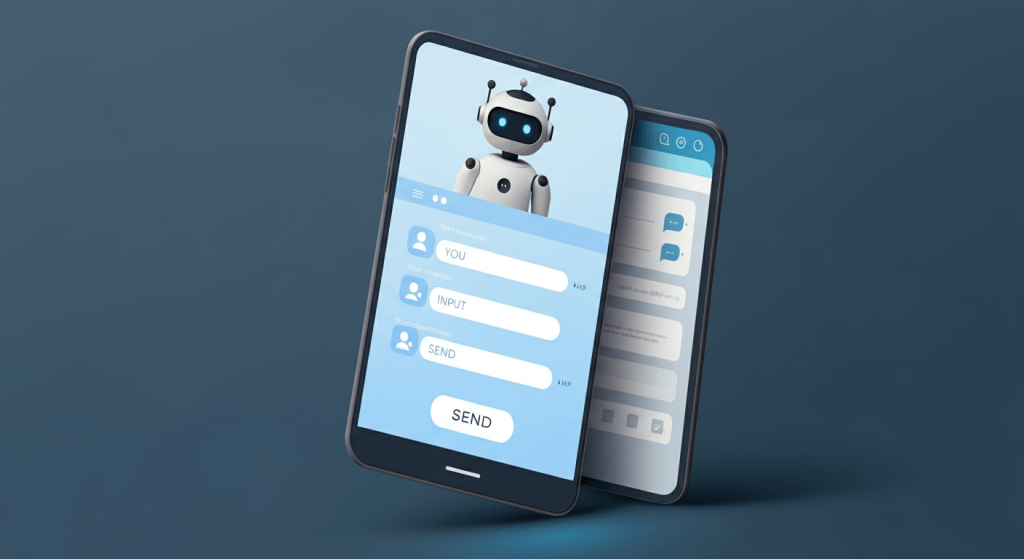
Chatbot UX focuses on the details of how users interact with your AI assistant. This includes conversation flow, response timing, language style, and the overall user journey. A well-designed chatbot UX provides an intuitive, human-like experience, while poor design can confuse users, frustrate them, and harm your brand reputation.
Why Chatbot UX Matters
Recent studies show that 67% of customers have interacted with a chatbot for support in the past year. Despite some negative experiences, many users still prefer human agents for complex queries. A thoughtfully designed chatbot UX can bridge this gap, delivering fast, accurate, and satisfying customer interactions.
Benefits of good chatbot UX include:
-
Reducing customer service costs by addressing common questions automatically
-
Providing 24/7 support without increasing staff
-
Delivering faster answers to frequently asked questions
-
Collecting valuable customer data for improved service
-
Scaling support efficiently as your business grows
Essential Conversation Design Principles
Begin with a Clear Purpose and Definition
Story: Your AI chatbot needs to have predetermined needs that it fulfills. Set specific boundaries for what your chatbot can and can’t do before crafting conversations. This clarity plants the right user expectations and keeps them from becoming angry.
Bear the following questions in mind when scoping your chatbot:
- What will be the specific issues that your chatbot will address?
- What actions ought to be performed by human workers instead?
- Where does your chatbot fit in your overall customer service plan?
Design for Natural Conversation Flow
Automated conversations appear more human and engaging when natural conversation design is applied to chatbots. Users should feel like they are conversing with an informed assistant, rather than filling a form.
Some critical aspects of natural conversation flow are:
- Friendly Greetings: Begin conversations with warm, personalized greetings
- Conversational: You should never sound like a robot, nor too stuffy
- Asking for more back: Demonstrate that you care about user needs and get the needed info
- Providing context: Refer to earlier parts of the conversation to keep the thread going
Implement Progressive Disclosure
Progressive disclosure unveils information as needed, depending on user requirements. In this way, users are not overloaded with choices, but can obtain detailed information when required.
Creating Effective Chatbot Personas

Establish a Unified Voice and Tone
The personality of your chatbot represents your brand, but it must also be helpful and professional. Uniformity of voice and tone across all interactions fosters a sense of trust and comfort.
Consider these persona elements:
- Personality attributes: Is your chatbot friendly, formal, fun, or firm?
- Language style: Formal or casual? Technical or accessible?
- Emotional scope: How does your chatbot respond when users are annoyed or happy?
Match User Expectations
Your chatbot character must reflect what your users expect of your industry and brand. A banking chatbot may adopt a more formal tone than one for a casual dining restaurant. Take some time to study your audience and understand how they prefer to be addressed.
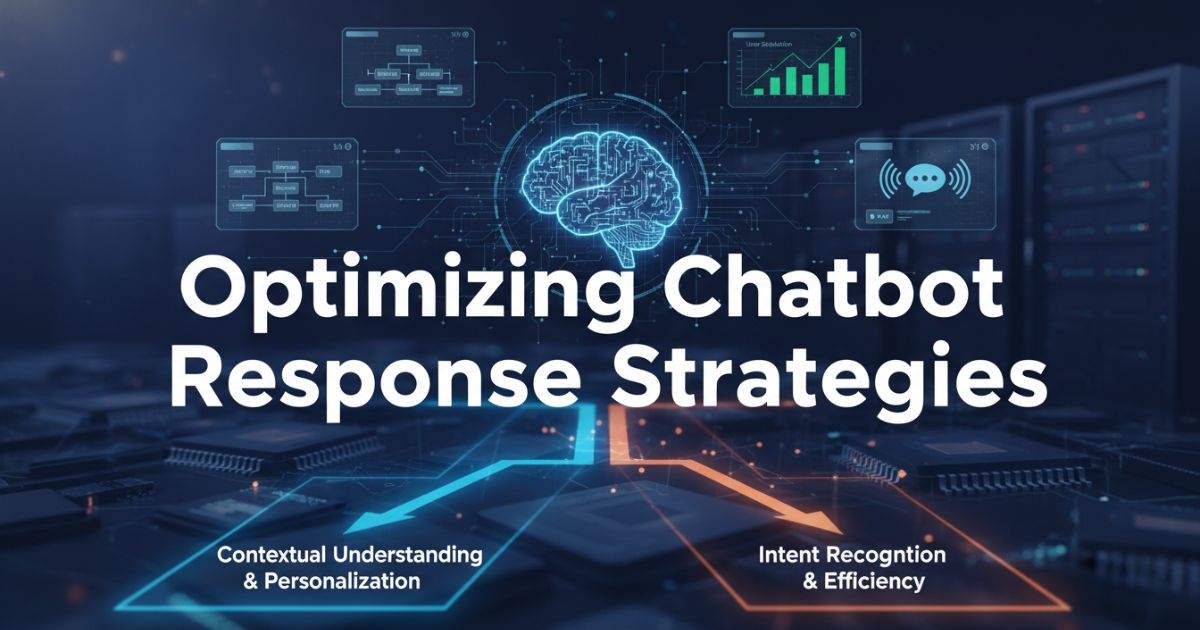
Optimizing Chatbot Response Strategies
Provide Clear and Concise Responses
Chatbots are designed for users who want fast, accurate top-line answers. Overly long responses can be overwhelming to users and impede task completion. Strive for answers that are comprehensive, yet concise.
Best practices for response optimization:
- When you have a list that is worthy of bullet points and also offers choices 1.
- Split long replies into several short messages
- The most important information should be presented first
- Provide relevant links for users who want/need more information
Handle Errors Gracefully
Your AI chatbot is likely to encounter situations it cannot handle. How you model these error responses will significantly impact user experiences. Better error handling would recognize the quirk and suggest a workaround.
Effective error handling strategies include:
- Admitting when the chatbot does not comprehend
- Offering alternative phrasings or options
- Clear pathways to human support
- Serving customers in a pleasant manner, even when no help was available
Use Quick Reply Options
The quick reply buttons you receive make it easy for users and lead to success! They work especially well for frequently asked questions or when a user needs to choose from a smaller number of responses.
Strategic use of quick replies:
- Give 2-4 choices to not intimidate the user
- Use clear, action-oriented language
- If applicable, add an “Other” answer choice
- Combine with free-text for flexibility
Enhancing User Engagement
Personalize Interactions
Personalization adds relevance and interest to chatbot conversations. Leverage who is driving decisions and user data to tailor responses and guidance while being mindful of privacy lines.
Personalization opportunities include:
- Greeting and replying to a user by name
- Referring to a prior discussion or purchase increments
- User preference-based recommendations
- Adapting talk style according to user behaviour
Implement Contextual Awareness
It’s “context aware,” meaning that your chatbot knows what’s being discussed more generally and what is happening with the user. This then reduces the amount of information users have to supply, which in turn leads to more natural interactions.
Key aspects of contextual awareness:
- Recalling something that’s been said previously in the interaction
- Inferring user intentions beyond the precise wording
- Response adaptation with consideration of the history of the conversation
- Consistent state between interaction sessions
Technical Considerations for Better UX
Optimize Response Times
Chatbots are supposed to answer immediately. Slower response time might irritate the users and they might ditch the conversation. Aim for response times under 2 seconds for the majority of interactions.
Strategies for faster responses:
- Pre-load common responses and information
- Leverage typing indicators for more than long processing periods.
- Rendition is an asynchronous backend for fast data retrieval
- Think about response caching for frequently asked questions
Ensure Multi-Platform Consistency
Your chatbot can be deployed on various platforms and span multiple devices. Unified experience and quality across all media produce a great UI/UX experience.
Multi-platform considerations:
- Enable proper layout for different screen sizes
- Keep your dialogues natural and consistent.
- Promote feature parity where feasible
- Test extensively on every supported platform.
Plan for Scalability
Once your chatbot reaches a certain size, it should be able to handle higher-volume conversations in a scalable manner. Architect your system to scale well.
Scalability planning includes:
- Load testing under projected user levels
- Implementing efficient database queries
- Content Delivery Networks for Media
- Monitoring system performance continuously
Testing and Iteration Strategies
Conduct User Testing
Common user testing unearths the divide between what you designed and what users actually do. Real users using real tasks to test for potential improvements.
Effective testing approaches:
- Source users from the demographics you’re targeting
- Test individual conversational flows and scenarios
- Collect Quantitative and Qualitative Feedback
- Iterate based on testing results
Monitor Conversation Analytics
With analytics, you can see how your users are engaging with your chatbot and where there is room for improvement. Monitoring of critical factors for the success and potential for optimization.
Important metrics to monitor:
- Conversation completion rates
- User satisfaction scores
- Most typical intents & questions from the user-side perspective
- Hand-off rates to human agents
Implement Continuous Improvement
Like with many things in software, chatbot UX betterment is a process. Frequent updates, informed by user feedback and performance data, enable your chatbot to remain effective and up to date.
Continuous improvement practices:
- Review conversation logs regularly
- Update answers in accordance with user feedback
- Implement additional features, tailored to the user demands
- Iterate chatflows with insights from the analytics
- Keep up with the latest trends in the chatbot space
Future-Proofing Your Chatbot UX Design
Prepare for Advancing AI Capabilities
AI is evolving fast. Orient around a chatbot architecture that scales to support advancements in natural language processing and understanding.
Future-proofing strategies:
- Use modular design approaches
- Keep up on artificial intelligence technology trends
- An overview of voice and multimodal interaction planning
- Consider integration with emerging technologies
Maintain Human-AI Balance
With advancing AI capabilities, human oversight is necessary for complex situations and emotional nurture. Create transparent paths to escalation and always keep human agents present.
Balancing AI and human support:
- Set specific requirements for human handoffs
- Human agents trained on chatbot insights
- Keep AI and human support in sync
- Regularly monitor the performance of the portfolio and rebalance the mix as needed
Building Better Chatbot Experiences
Creating an outstanding chatbot UX requires careful attention to conversation design, user convenience, and technical implementation. Following best practices in AI chatbot development ensures your chatbot meets both user needs and business objectives.
Remember, great chatbot UX is an iterative process. Start with a solid foundation, test with real users, and continuously refine your chatbot based on feedback and performance data. Focus on solving real user problems rather than showcasing technology for its own sake.
Investing in a well-designed chatbot experience leads to happier customers, reduced support costs, and stronger brand perception. Leveraging custom chatbot development allows businesses to create solutions tailored to their unique requirements, delivering truly effective and engaging interactions.
FAQs
What makes a chatbot easy to use for customers?
Users want chatbots that are intuitive, fast, and provide clear answers. Easy-to-use chatbots have natural conversation flow, personalized responses, and quick-reply options, reducing frustration and improving engagement.
How do I design a chatbot that feels human?
A human-like chatbot uses friendly greetings, conversational language, context awareness, and adapts responses based on user behavior. This creates a more engaging experience than rigid, robotic replies.
What are common mistakes in chatbot UX design?
Common mistakes include long, confusing responses, lack of error handling, static information, and poor context awareness. These issues lead to frustrated users, increased support tickets, and abandoned conversations.
How can I test if my chatbot UX is working well?
Test chatbot UX by monitoring conversation completion rates, user satisfaction scores, frequent user questions, and human escalation rates. Conduct real-user testing to identify gaps between design and actual usage.
How can I improve chatbot interactions over time?
Improvement comes from analyzing analytics, updating content, personalizing responses, and iterating conversation flows. Combining AI automation with human oversight ensures your chatbot remains accurate, helpful, and engaging.




AI Chatbots for CRM: Boost Customer Engagement & Loyalty
Transforming Employee Onboarding with AI Chatbots: A Step-by-Step Guide
Emergency Response Chatbots: Revolutionizing Crisis Management with AI
Revolutionizing Recruitment: How Chatbots Streamline Hiring Processes and Elevate Talent Acquisition