

Discord isn’t just for gamers anymore; it’s become the perfect platform for communities, teams, and interest groups to communicate and collaborate. With thousands of messages flowing through active servers every day, managing a Discord channel can become time-consuming. That’s where Discord bots come in: they handle the heavy lifting, simplify moderation, and amplify engagement.
Stay with us, we’ll cover what Discord group bots are, why you need them, and how to use them to build and manage an active, thriving community.
What Are Discord Bots?
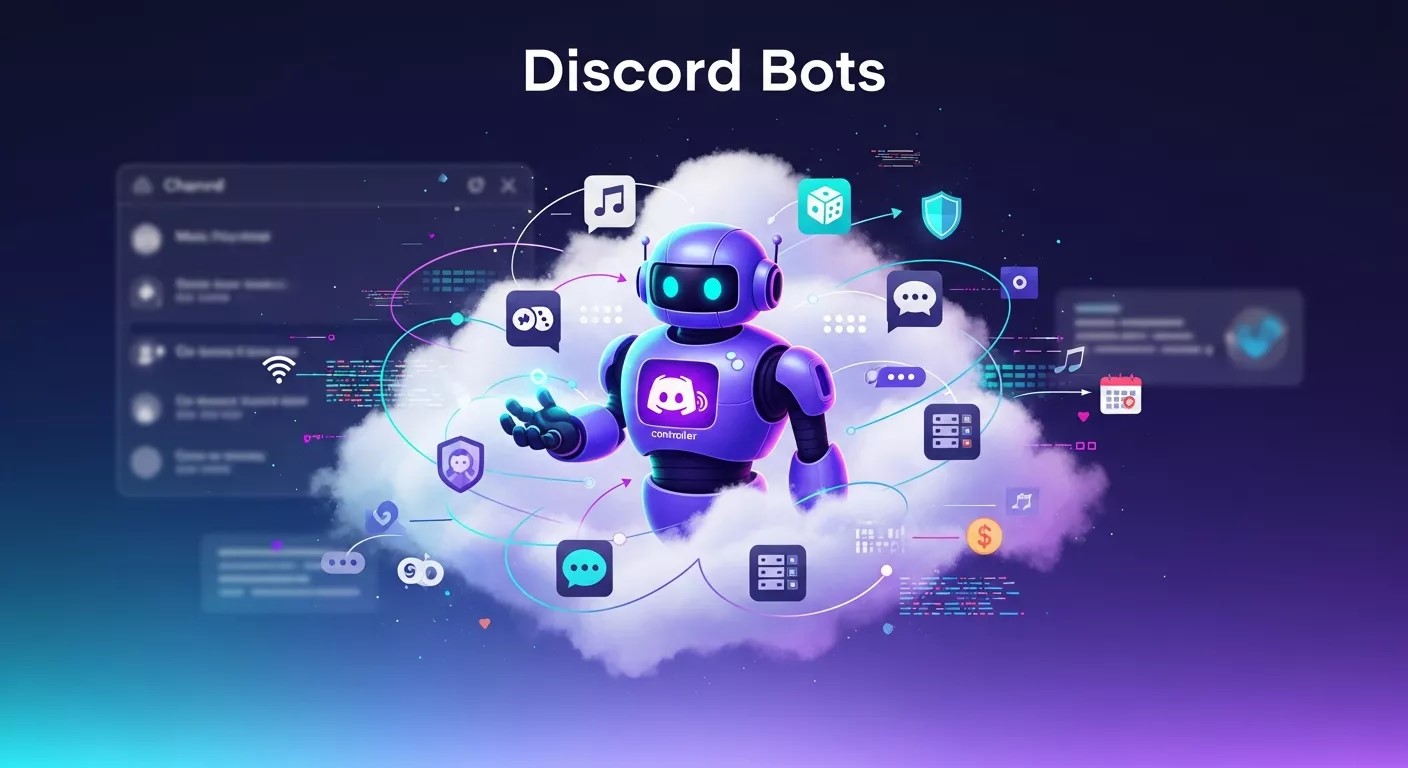
Discord bots are virtual assistants designed to perform specific tasks in a Discord server. From chat moderation and automated greetings to game hosting, music playback, and beyond, these bots can do it all. Most bots are highly customizable and can be programmed to suit your community’s unique needs.
Why Use Discord Bots in Your Server?
Save Time with Automation
Administrative tasks like welcoming new members, assigning roles, and filtering spam can be automated using bots such as MEE6 and Dyno. These bots ensure your server remains organized without manual oversight.
Boost Engagement
Keep your community active with bots like GiveawayBot for contests or Dank Memer for memes and mini-games. Engagement bots create opportunities for interaction and fun.
Enhance Communication
Overcome language barriers using translation bots like Translator, enabling smooth conversations between members who speak different languages.
Access Insights
Track server activity and engagement levels with analytics bots like Statbot. These tools provide valuable insights into top-performing channels and user participation.
Types of Discord Bots
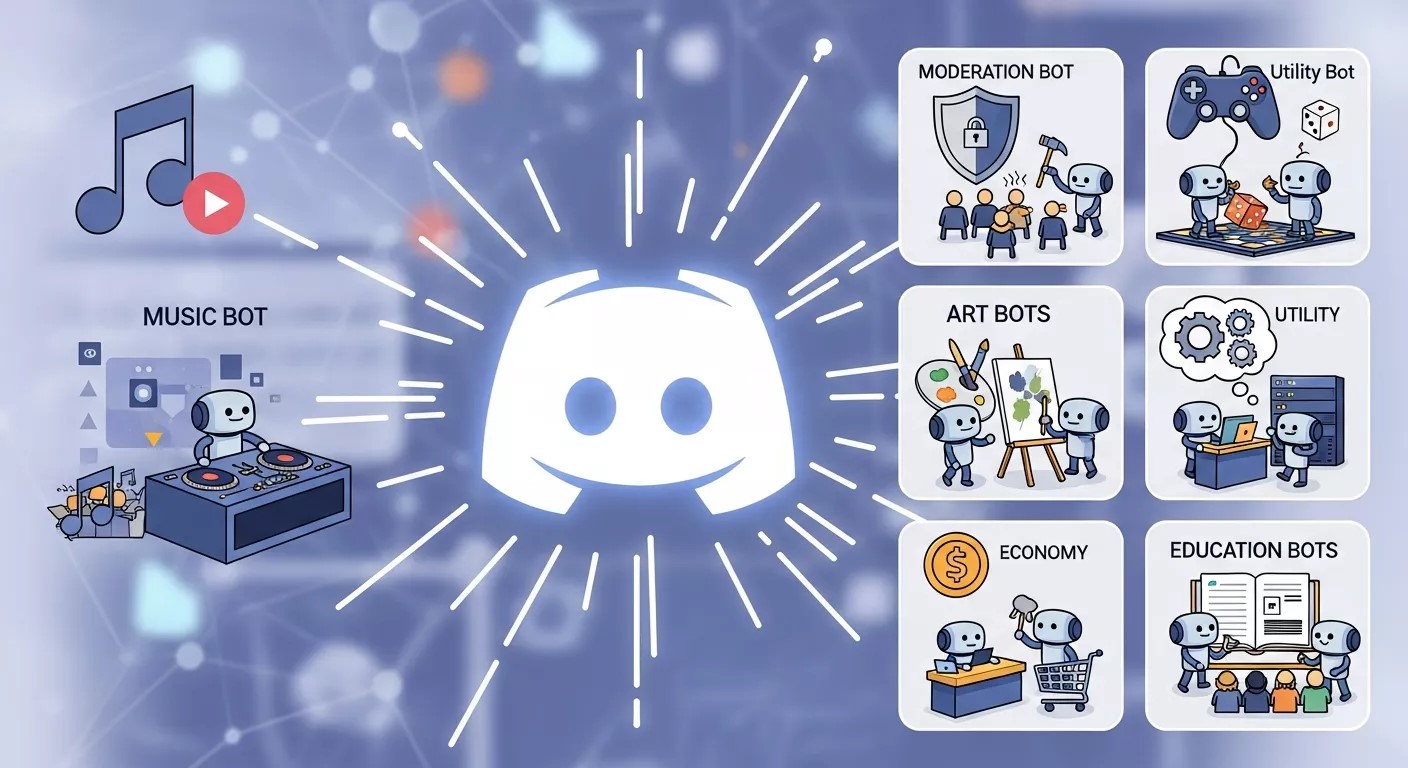
Moderation Bots
Examples: MEE6, Carl-bot, ProBot
Features:
- Chat moderation
- Spam filtering
- Auto-assign roles
- Warnings, mutes, and bans
Engagement Bots
Examples: Dank Memer, GiveawayBot, Poll-Bot
Features:
- Games and trivia
- Meme generation
- Contests and giveaways
- Community polls
Music Bots
Examples: Rythm, FredBoat, Jockie Music
Features:
- Stream from YouTube, Spotify, SoundCloud
- Playlist sharing
- Music controls for users
Utility Bots
Examples: Translator, BirthdayBot, Statbot
Features:
- Real-time translation
- Event reminders
- Analytics dashboards
Economy Bots
Examples: UnbelievaBoat, EPIC RPG
Features:
- Role-playing adventures
- In-server currency systems
- Trading and shops
How to Add and Use Bots on Your Discord Server
Step 1: Find the Right Bot
Explore sites like Top.gg to find bots. Use filters, read reviews, and compare features to find the right fit.
Step 2: Add Bot to Your
Server
Click the “Invite” button on the bot’s webpage. Authorize access and select the server where it will be installed.
Step 3: Configure the Bot
Use the bot’s dashboard or command documentation to:
- Set command prefixes
- Assign permissions
- Enable/disable features
Step 4: Train Your Community
Educate members on the bot’s features and share command lists. Encourage participation to maximize engagement.
Step 5: Monitor and Update
Keep bot settings aligned with community feedback. Regularly update and optimize for better performance.
What is the Most Popular Bot in Discord?
One of the best Discord bots and most popular choices across servers is MEE6. Known for its robust moderation tools, automated welcome messages, and role management, MEE6 helps maintain a safe and engaging environment. Another strong contender is Dank Memer, which boosts community fun through memes, currency systems, and mini-games. These bots on Discord consistently rank at the top because they offer both utility and entertainment in one package.
Which is the Best Free Discord Bot?
If you’re looking for free Discord bots that deliver exceptional value, Carl-bot and Dyno are top picks. Carl-bot offers advanced auto-moderation, reaction roles, and custom commands without charging a dime. Dyno is also a reliable Discord bot, perfect for automating repetitive tasks and keeping your server organized. Both options provide premium-like features at no cost, making them ideal for new communities that want professional-level tools without breaking the bank.
Tips for Successful Bot Use
- Avoid Overload: Stick to a few powerful bots that meet your needs. Too many bots can clutter your server.
- Set Permissions: Assign appropriate access based on channels and roles.
- Encourage Activity: Use engagement bots to keep conversations flowing and users involved.
Build a Fun and Friendly Community with Bots
Discord bots are essential for creating lively, organized, and engaging communities. Whether it’s moderation, entertainment, or automation, bots offer a simple and scalable way to enhance the server experience.
Start small, choose the best Discord bots that match your goals, and scale as your community grows. Great bots are the foundation of a great Discord server.
How Discord Bots Improve Community Moderation
Moderation is one of the biggest challenges for growing Discord servers, and bots dramatically reduce the workload. Moderation bots monitor messages 24/7, enforcing rules consistently even when human moderators are offline. They can automatically detect spam, excessive mentions, scam links, or inappropriate language and take action instantly. This prevents issues from escalating and protects members from harmful content. Bots also maintain moderation logs, making it easier for staff to review actions and stay transparent. By handling repetitive enforcement tasks, bots allow moderators to focus on community building, conflict resolution, and engagement. The result is a safer, more welcoming environment that encourages members to stay active and respectful.
Chatbots for Customer Retention
Chatbots for customer retention play a crucial role in building long-term relationships with users. These chatbots provide instant support, personalized responses, and proactive engagement that keep customers connected to a brand. By analyzing user behavior and interaction history, chatbots can recommend relevant content, send follow-up messages, and resolve issues quickly. Chatbots for customer retention also help reduce response time and improve overall customer satisfaction. When customers feel heard and supported in real time, they are more likely to stay loyal. Businesses that use chatbots for customer retention can improve engagement, reduce churn, and create a more consistent and positive user experience across digital platforms.
Role Management and Automation with Bots
Roles are essential for organizing Discord servers, and bots make role management effortless. Automated role assignment can welcome new members instantly, grant access to specific channels, or unlock perks based on activity levels. Reaction roles allow users to assign roles to themselves by clicking emojis, reducing admin intervention. Bots can also remove inactive roles or assign special titles during events. This automation keeps your server structured and scalable as membership grows. Proper role management improves navigation, security, and engagement while reducing errors caused by manual assignment. By using bots to manage roles efficiently, server owners maintain order and create a smoother experience for both staff and members.
Invite Bots to Group Chats Discord
Invite bots to group chats Discord servers to automate tasks and improve communication efficiency. When you invite bots to group chats in Discord, they can manage moderation, respond to commands, play music, or send automated notifications. The process usually involves authorizing the bot and assigning proper permissions to the specific group or channel. Invite bots to group chats Discord environments carefully to avoid unnecessary access. Selecting the right bot for the right task helps keep group chats organized and active. With proper configuration, inviting bots enhances collaboration, reduces manual work, and improves overall server management.
Analytics and Growth Tracking with Discord Bots
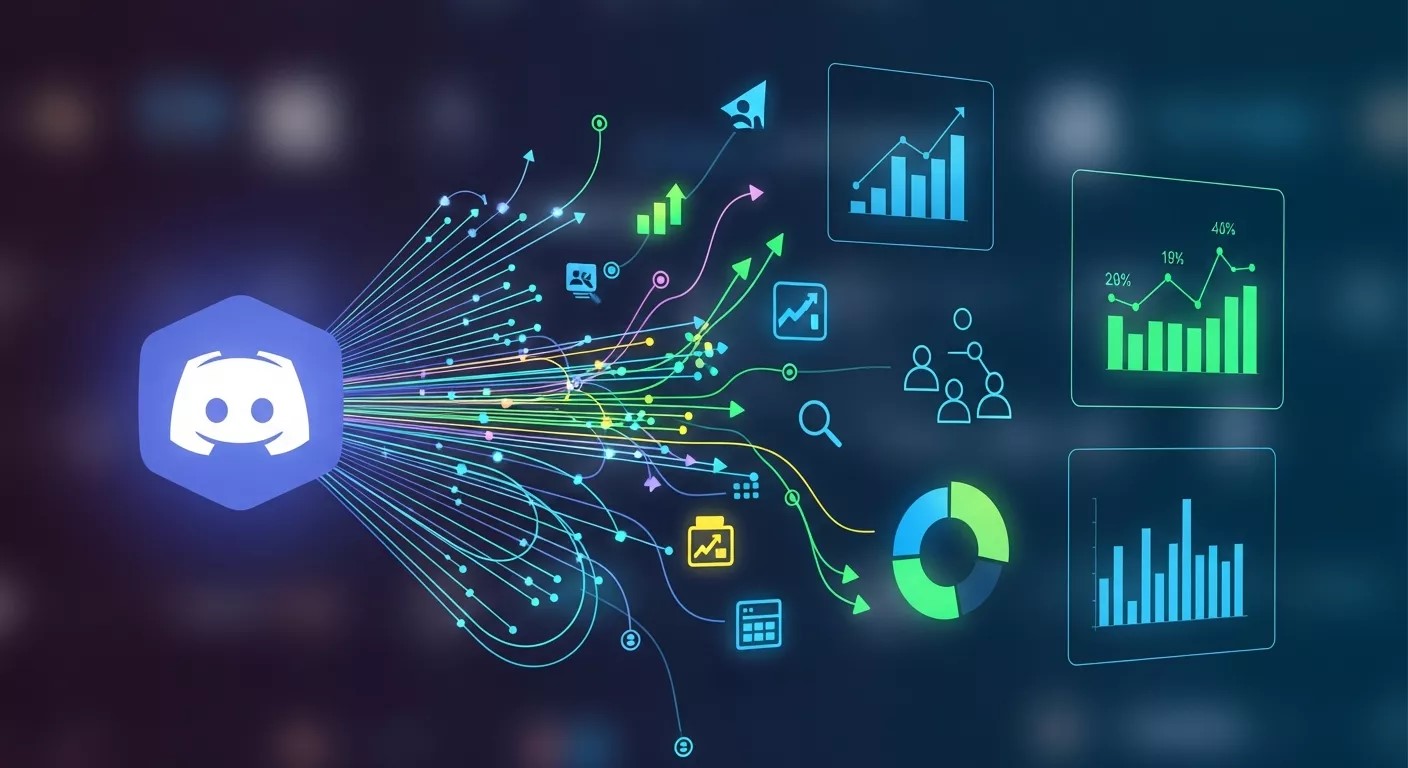
Understanding how your server performs is key to long-term success, and analytics bots provide valuable insights. Bots like Statbot track metrics such as message volume, active users, peak activity times, and channel performance. This data helps admins identify what content resonates most and when members are most active. With these insights, you can optimize posting schedules, improve underperforming channels, and plan events strategically. Analytics also help measure the impact of changes, such as new rules or bots. Data-driven decisions lead to healthier growth and better engagement. Instead of guessing, server owners can rely on clear metrics to guide improvements.
Managing Large Servers with Multiple Bots
As Discord servers scale, managing them manually becomes increasingly difficult. Multiple bots can work together to handle different responsibilities efficiently. One bot may focus on moderation, another on engagement, and another on analytics. The key is careful configuration to avoid command conflicts or message overload. Assigning clear roles to each bot ensures smooth operation. Large servers benefit from specialized bots that handle high message volumes without lag. With proper planning, bots become a coordinated incident management system rather than clutter. This approach allows large communities to remain organized, responsive, and enjoyable despite rapid growth and high activity levels.
Security Best Practices When Using Discord Bots
While bots are powerful tools, security should always be a priority. Only invite bots from reputable developers and platforms with positive reviews. Review permissions carefully and grant only what is necessary for the bot’s function. Avoid giving administrator access unless absolutely required. Regularly audit your bot list and remove unused or outdated bots. Enable logging features to monitor bot activity and catch suspicious behavior early. Keeping bots updated ensures compatibility with Discord’s latest security changes. By following these best practices, you minimize risks while still enjoying the benefits of automation, ensuring your server remains safe and trustworthy for members.
Bots for Educational and Professional Communities
Discord is increasingly used for education, study groups, and professional teams, and bots play a major role in these environments. Scheduling bots help manage meetings, deadlines, and reminders. Poll bots assist with decision-making, while moderation bots keep discussions productive and focused. File management and link-sharing bots improve collaboration by centralizing resources. Some bots even integrate with productivity tools, enhancing workflow efficiency. These features make Discord a viable alternative to traditional collaboration platforms. With the right bots, educational and professional servers become structured, efficient, and distraction-free, supporting learning and teamwork while maintaining a friendly community atmosphere.
Common Mistakes to Avoid When Using Discord Bots
Many server owners make avoidable mistakes when implementing bots. Adding too many bots at once often overwhelms members and clutters channels. Poor permission management can lead to security risks or bot misuse. Ignoring configuration settings may cause spammy notifications or ineffective moderation. Another common mistake is failing to educate members on how bots work, leading to underutilization. Bots should support your community goals, not complicate them. Start simple, configure thoughtfully, and gather feedback regularly. Avoiding these mistakes ensures bots enhance your server experience rather than detract from it.
The Future of Discord Bots and Community Management
Discord bots continue to evolve as communities grow more diverse and sophisticated. Future bots are expected to leverage AI for smarter moderation, personalized engagement, and advanced analytics. Improved integrations with external platforms will further enhance productivity and collaboration. As Discord expands beyond gaming, bots will adapt to support businesses, educators, and creators. Server management will become more automated, allowing community leaders to focus on creativity and connection. Staying updated with bot trends ensures your server remains competitive and engaging. Bots are no longer optional tools—they are becoming foundational components of successful Discord communities.
How to Create Intelligent Forex Alerts Using AI Chatbots
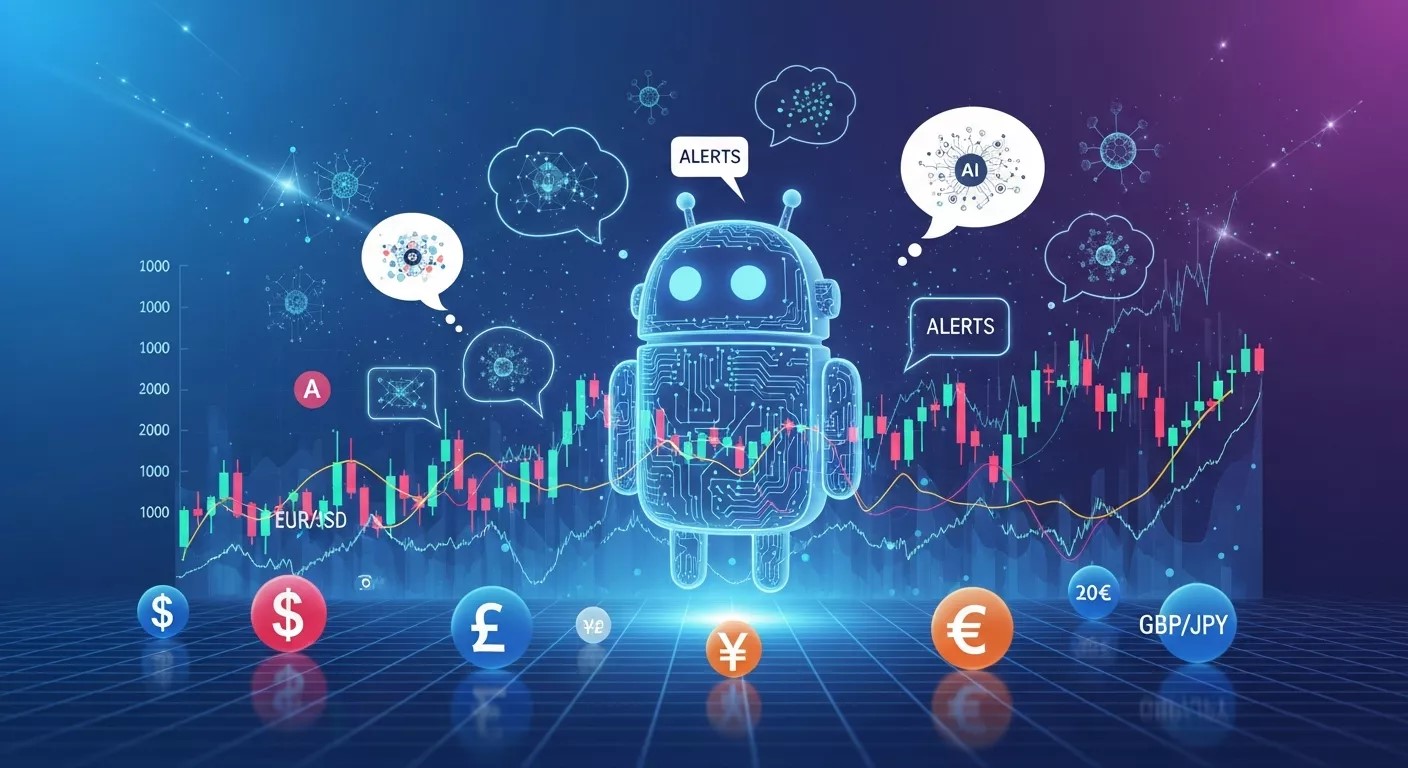
How to create intelligent Forex alerts using AI chatbots is becoming a powerful solution for modern traders who want real-time insights without manual monitoring. In this approach, AI chatbots analyze live Forex market data, technical indicators, price patterns, and market sentiment to generate smart alerts. By learning from historical trends and user behavior, these chatbots continuously improve alert accuracy. Traders receive instant notifications for price breakouts, trend reversals, and risk signals directly through messaging platforms. Unlike basic alerts, AI-driven systems adapt to changing market conditions. Overall, how to create intelligent Forex alerts using AI chatbots helps traders save time, reduce emotional decisions, and trade more confidently using automated, data-driven insights.
Read More About That: Discord Bots: The Ultimate Guide to Boost Engagement and Simplify Server Management
Frequently Asked Questions (FAQ)
What are Discord bots used for?
Discord bots are used to automate tasks such as moderation, role management, welcome messages, music playback, games, analytics, and community engagement. They help server owners save time, maintain order, and improve overall user experience by handling repetitive or large-scale tasks automatically.
Are Discord bots free to use?
Yes, many Discord bots are completely free and offer powerful features. Bots like Dyno, Carl-bot, and Dank Memer provide excellent functionality without cost. Some bots also offer premium plans with advanced options, but free versions are sufficient for most servers.
Which Discord bot is best for moderation?
MEE6, Dyno, Carl-bot, and ProBot are among the best moderation bots. They provide features like spam filtering, auto-moderation, warnings, mutes, bans, and logging, helping maintain a safe and organized server environment.
How many bots should I add to my Discord server?
There is no fixed limit, but it’s best to start with 2–5 essential bots. Too many bots can clutter channels and confuse users. Choose bots that clearly support your server’s goals and scale gradually as your community grows.
Can Discord bots slow down my server?
No, Discord bots run externally and do not affect server performance. However, poorly configured bots or excessive automated messages can overwhelm channels, so proper setup is important.
Is it safe to add Discord bots to my server?
Yes, as long as bots are added from trusted sources like Top.gg or official bot websites. Always review permissions carefully and avoid granting administrator access unless absolutely necessary.
Can I create my own Discord bot?
Absolutely. Discord offers a Developer API that allows users to create custom bots using programming languages like JavaScript or Python. This is ideal for servers with specific or advanced automation needs.
Do Discord bots work on mobile?
Yes, Discord bots function the same way on mobile as they do on desktop. Users can interact with bots using commands and reactions across all devices.
Can bots replace human moderators?
No. Bots are excellent assistants but cannot fully replace human moderators. They handle automation and basic moderation, while humans are needed for decision-making, conflict resolution, and community leadership.
How do I remove a Discord bot?
You can remove a bot by going to Server Settings → Integrations → Bots, selecting the bot, and clicking Remove. Alternatively, right-click the bot’s name in the member list and select Kick.



AI Chatbots for CRM: Boost Customer Engagement & Loyalty
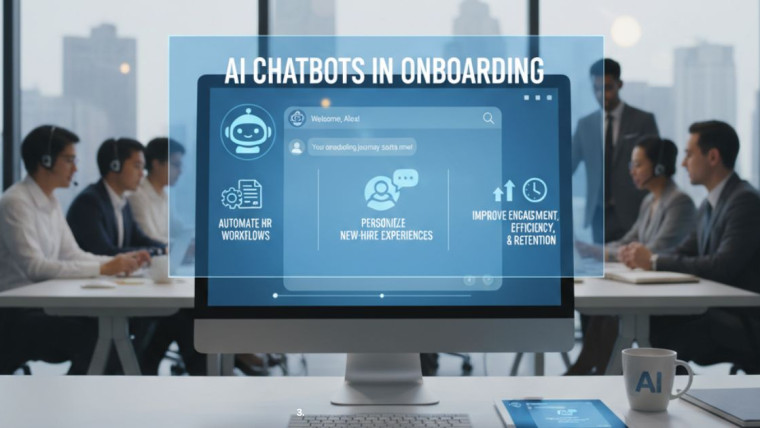
Transforming Employee Onboarding with AI Chatbots: A Step-by-Step Guide
Emergency Response Chatbots: Revolutionizing Crisis Management with AI
Revolutionizing Recruitment: How Chatbots Streamline Hiring Processes and Elevate Talent Acquisition