

Chatbot technology has become an important part of modern customer communication. Businesses use chatbots to answer common questions, provide information, guide customers, collect leads, and support users across websites and digital platforms. By automating repetitive interactions, businesses can respond more efficiently while allowing customer service teams to focus on conversations that require human attention.
Customers increasingly expect quick and convenient support. Waiting for an employee to respond to a simple question can create unnecessary friction, particularly when customers are browsing outside normal business hours. Chatbots can provide immediate responses to frequently asked questions and help customers find relevant information without requiring manual assistance for every interaction.
What Is Chatbot Technology?
Chatbot technology refers to software systems designed to communicate with users through text or voice. Depending on their design, chatbots can follow predefined rules, use natural language processing, or incorporate artificial intelligence to understand and respond to customer requests.
How Chatbots Communicate With Customers
A chatbot can interact with customers through website chat windows, messaging platforms, mobile applications, and other digital channels. Customers can type questions or select predefined options, and the system provides an appropriate response.
Simple chatbots may rely on predetermined conversation flows, while more advanced systems can interpret natural language and handle a wider range of customer requests.
Automating Repetitive Conversations
Many customer questions are repetitive. Customers may frequently ask about business hours, pricing, order status, product availability, return policies, or basic account information.
Chatbots can handle these routine questions automatically. This allows businesses to provide immediate information while reducing the number of repetitive requests handled manually by support representatives.
How Chatbot Technology Automates Customer Interactions
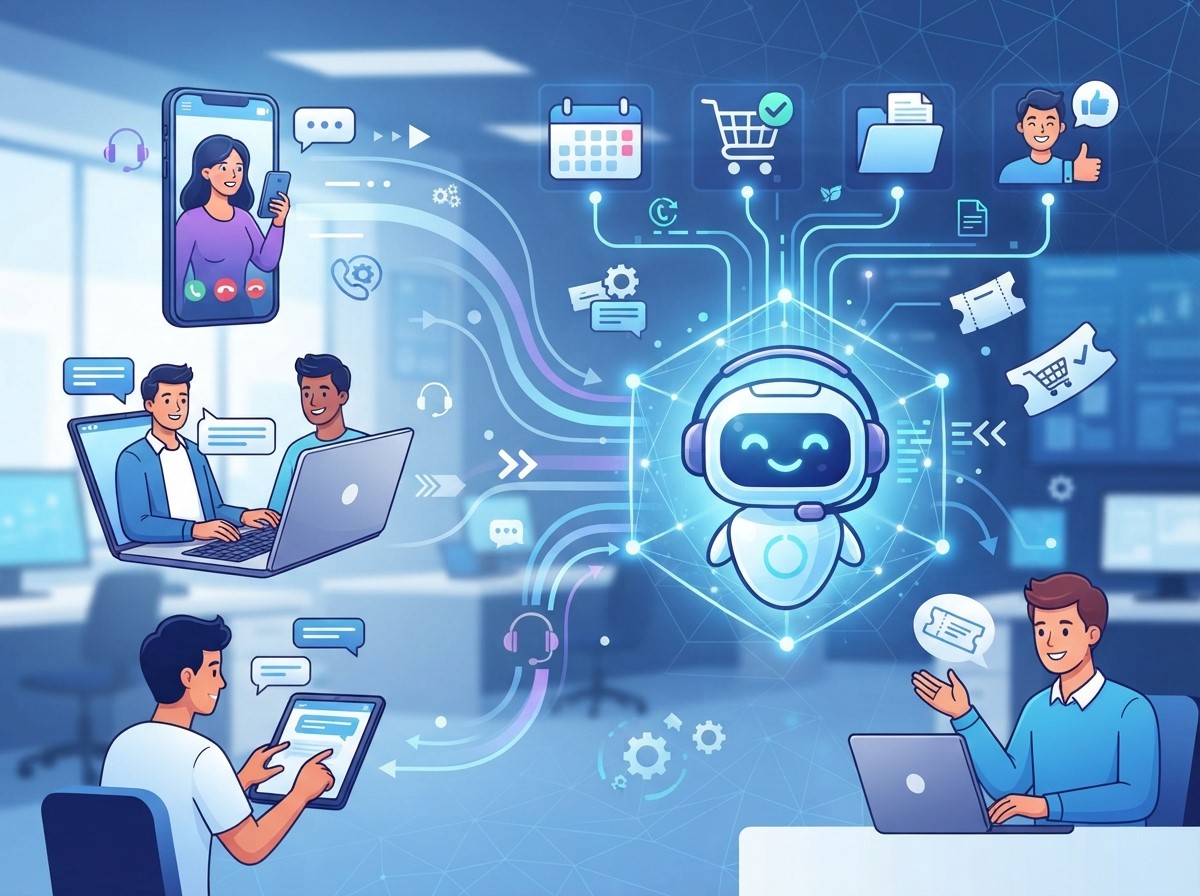
Providing Instant Responses
Customers can receive answers immediately instead of waiting for a support representative. Instant responses are particularly useful for simple questions where customers need straightforward information.
Fast communication can also help customers continue their buying journey without unnecessary delays. If a chatbot cannot resolve an issue, it can collect relevant information and direct the conversation to a human representative.
Guiding Customers Through Processes
Chatbots can guide users through common processes such as product selection, appointment requests, account questions, lead forms, and support inquiries.
Instead of presenting customers with complicated instructions, a chatbot can break the process into smaller conversational steps. This can make digital interactions easier to understand and navigate.
The Role of Live Chat Automation
Live chat automation combines automated responses and workflows with live customer support. Instead of requiring employees to handle every initial conversation, businesses can use automation to manage routine interactions before transferring more complex conversations to human agents.
Qualifying Customer Requests
A chatbot can ask customers a series of questions to understand what they need. Based on their answers, the system can categorize the conversation and determine the appropriate next step.
For example, a customer may need technical support, sales information, billing assistance, or general product information. Categorizing these requests can help direct conversations to the appropriate team.
Supporting Human Agents
Automation does not need to replace human customer service. It can support representatives by collecting basic information before an agent joins the conversation.
When an employee receives the conversation, they may already have relevant details about the customer’s question. This can reduce repetitive questioning and allow the agent to focus on solving the actual problem.
Benefits of Chatbot Automation
Chatbot automation can help businesses improve efficiency, availability, and customer communication. Its effectiveness depends on how well automated workflows are designed and how easily customers can reach human support when needed.
24/7 Customer Availability
One of the major benefits of chatbot automation is continuous availability. Customers can interact with automated systems outside traditional business hours.
This can be particularly useful for businesses serving customers across different time zones. Even when human representatives are unavailable, chatbots can answer common questions and provide basic guidance.
Reducing Support Workload
Chatbots can handle large numbers of repetitive conversations simultaneously. This can reduce the workload for customer service teams and allow employees to dedicate more time to complicated customer issues.
Reducing repetitive work can also help teams organize their resources more efficiently, especially during periods of high customer demand.
Improving Response Speed
Automated systems can respond almost instantly to supported requests. Faster responses can improve the overall customer experience by reducing waiting periods.
Businesses can also use automated workflows to send confirmations, updates, reminders, and other relevant communications without requiring an employee to manually initiate each message.
How AI Chatbots Improve Customer Communication
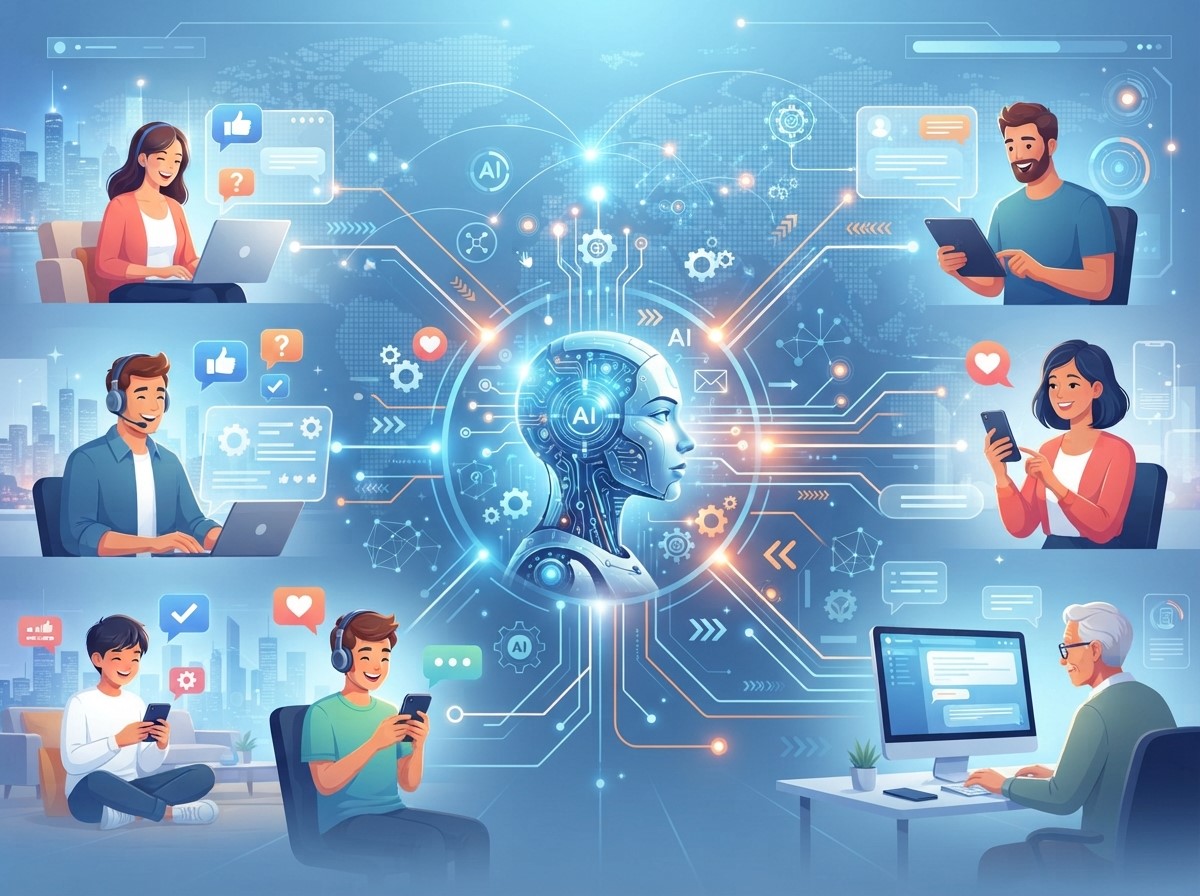
Understanding Natural Language
Traditional rule-based systems may require customers to select specific options or use predefined phrases. AI-powered systems can be designed to understand a wider range of natural language expressions.
This can make conversations more flexible because customers do not always need to phrase questions in exactly the way the system expects.
Handling More Complex Questions
Advanced AI chatbots can assist with broader customer questions when they have access to appropriate information and business systems. They may summarize information, provide guidance, or help users find relevant resources.
However, businesses should define clear boundaries. Questions involving sensitive information, complex disputes, or situations requiring human judgment may need to be transferred to trained representatives.
Personalizing Customer Interactions
Automation does not necessarily mean every customer receives the same response. Businesses can design chatbot experiences around customer context, previous interactions, preferences, or the stage of the customer journey.
Using Customer Information
When appropriate data is available, chatbots can provide more relevant assistance. For example, a customer may receive information related to an existing order or account instead of generic instructions. Businesses should use customer information responsibly and follow applicable privacy and data protection requirements.
Delivering Contextual Recommendations
Chatbots can help customers discover products, services, content, or support resources based on their stated needs.
For example, a customer searching for a particular product feature could be guided toward relevant options or educational content. Contextual assistance can reduce the effort required to find information.
Chatbots Across the Customer Journey
Chatbot technology can support multiple stages of the customer journey, from initial discovery to post-purchase support. The specific role of a chatbot should depend on the customer’s needs at each stage.
Supporting Sales and Lead Generation
Chatbots can engage website visitors, answer product questions, collect contact information, and guide potential customers toward relevant resources.
For businesses with complex products or services, a chatbot can help qualify leads before transferring promising conversations to a sales representative. This can help sales teams spend more time on relevant opportunities.
Improving Post-Purchase Support
After a purchase, customers may need order updates, product information, account assistance, troubleshooting resources, or return guidance.
A chatbot can provide quick access to common post-purchase information. If a customer needs specialized help, the chatbot can collect details and route the issue to the appropriate support team.
Integrating Chatbots With Business Systems
Chatbots become more useful when they can connect with relevant business systems. Integrations can allow automated conversations to access appropriate information and trigger specific actions.
Connecting CRM and Support Platforms
Integration with customer relationship management and support systems can help businesses organize customer information and conversations.
When a chatbot passes relevant information to a support system, employees can continue the conversation with greater context. This can create a smoother transition between automated and human support.
Connecting E-Commerce and Order Systems
For online stores, chatbot integrations can help customers check order information, find products, understand shipping options, or receive basic purchase support.
These integrations should be carefully configured to protect customer information and prevent unauthorized access to sensitive account details.
Creating a Better Human-Handoff Process
A successful chatbot strategy should always consider what happens when automation cannot solve a customer’s problem. A clear human-handoff process helps prevent customer frustration.
Identifying When Human Support Is Needed
Chatbots should recognize situations that require human assistance. These may include complex technical problems, complaints, sensitive account issues, unusual requests, or conversations where the automated system repeatedly fails to understand the customer.
A well-designed escalation process ensures that automation supports the customer instead of becoming an obstacle.
Transferring Conversation Context
When transferring a conversation to a human agent, the chatbot should provide relevant context whenever possible. This may include the customer’s question, selected options, previous responses, and relevant account information.
A smooth handoff reduces the need for customers to repeat themselves and can improve the efficiency of human support.
Measuring Chatbot Performance

Tracking Engagement Metrics
Useful measurements may include chatbot conversations, response completion rates, frequently asked questions, successful resolutions, escalation rates, and customer satisfaction.
Analyzing these metrics can reveal which chatbot workflows are useful and where customers frequently need human assistance.
Improving Based on Customer Feedback
Customer feedback can reveal problems that analytics alone may not identify. Businesses can ask customers whether the chatbot was helpful and provide opportunities to report unsuccessful interactions.
Regularly reviewing conversations and feedback can help businesses improve chatbot responses, conversation flows, and escalation processes.
Best Practices for Chatbot Implementation
Implementing chatbot technology successfully requires a customer-focused approach. Businesses should start with practical use cases rather than trying to automate every possible interaction.
Start With Common Customer Questions
Businesses can identify frequently asked questions from customer service records, website searches, emails, and live conversations. These questions can become the foundation of chatbot workflows.
Starting with simple and repetitive use cases makes it easier to test the system and identify opportunities for improvement.
Keep Conversations Simple
Customers should not have to navigate complicated chatbot menus. Clear questions, concise responses, and simple options can make conversations easier to follow.
Businesses should also provide an obvious way to request human support when automation is not sufficient.
Keep Information Updated
Outdated chatbot information can create confusion and damage customer trust. Businesses should regularly review product details, pricing information, policies, support documentation, and other chatbot content.
A maintenance process ensures that automated responses remain accurate as business information changes.
The Future of Automated Customer Interactions
Chatbot technology is continuing to evolve as artificial intelligence and automation capabilities develop. Businesses are increasingly exploring ways to combine conversational systems with customer data, business applications, and automated workflows.
Future chatbot experiences may become more contextual, proactive, and integrated with broader customer service systems. However, human involvement will remain important for situations requiring empathy, judgment, creativity, or specialized expertise.
The strongest approach is likely to combine automation with human support rather than treating them as competing solutions. Businesses can automate routine interactions while allowing employees to focus on conversations where human involvement creates greater value.
Conclusion
Chatbot technology gives businesses a practical way to automate repetitive customer interactions, provide faster responses, and support customers across digital channels. From answering frequently asked questions to guiding customers through sales and support processes, chatbots can improve efficiency when they are designed around genuine customer needs.
Live chat automation can combine automated assistance with human support, while Chatbot automation can streamline repetitive workflows and reduce support workloads. Meanwhile, AI chatbots can provide more flexible conversational experiences when properly implemented and supported by accurate information.
Frequently Asked Questions
1. What is chatbot technology?
Chatbot technology refers to software that communicates with users through text or voice. Depending on its design, a chatbot can answer questions, provide information, guide users, collect leads, and support customer service.
2. How does chatbot technology automate customer interactions?
It automates repetitive conversations by using predefined workflows, rules, or artificial intelligence to respond to customer requests. This allows businesses to handle common questions without requiring an employee for every interaction.
3. What is Live chat automation?
Live chat automation uses automated responses and workflows to support conversations before or alongside human customer service. It can answer routine questions, qualify requests, and transfer complex issues to employees.
4. What is Chatbot automation?
Chatbot automation is the use of automated chatbot workflows to manage repetitive customer interactions. It can support activities such as answering questions, collecting information, routing requests, and providing updates.
5. How do AI chatbots differ from traditional chatbots?
Traditional chatbots often depend on predefined rules and conversation paths. AI chatbots can use artificial intelligence and natural language processing to understand a wider variety of customer questions and conversational expressions.
6. Can chatbots provide 24/7 customer support?
Yes. Chatbots can operate continuously and respond to supported customer requests outside normal business hours. Complex or sensitive issues can be transferred to human representatives when necessary.
7. Can chatbots replace human customer service?
Chatbots can automate many routine interactions, but they should not necessarily replace human support. Employees remain important for complex problems, sensitive situations, complaints, and cases requiring judgment or empathy.
8. How can chatbots improve customer experience?
Chatbots can provide faster responses, guide customers through processes, offer relevant information, and reduce waiting times. A well-designed human-handoff process can further improve the overall experience.
9. How can businesses measure chatbot performance?
Businesses can monitor conversation volume, completion rates, successful resolutions, escalation rates, response performance, customer satisfaction, and feedback to evaluate and improve chatbot effectiveness.
10. What are the best practices for chatbot implementation?
Businesses should start with common customer questions, keep conversations simple, maintain accurate information, provide easy access to human support, protect customer data, and regularly review chatbot performance.
4 Replies to How Chatbot Technology Helps Automate Customer Interactions
Chatbot Data Privacy Strategies to Strengthen Customer Trust
AI Chatbot Security Strategies to Protect Customer Information
How Omnichannel Chatbot Solutions Drive Customer Engagement
AI Chatbot Personalization for Smarter Customer Interactions